
Tetra Tech (Nuclear Facilities)
Designing across physical and digital interfaces to ensure that nuclear facilities/systems are intuitive and safe for operators to control.
ROLE
Human Factors Specialist
WHEN
07.2024 - 07.2025
CLIENTS
Ontario Power Generation/Bruce Power, Canadian Nuclear Laboratories
METHODS
Task Analysis
•
Human-Automation Interaction
•
Usability Testing
•
Human System Interface (HSI) Evaluation
•
Digital User Interface Design
•
Control Panel Design
•
Ergonomics/Anthropometrics
Due to the sensitive nature of nuclear facility work, project details are confidential. The following describes my process and contributions at a general level.
Pickering, Darlington & Bruce Power Refurbishments
Designing for Existing Systems
Equipment
Turbine generators, pumps, motors—each with their own interactions and displays.
Local Panels
Operators go to these for specific tasks.
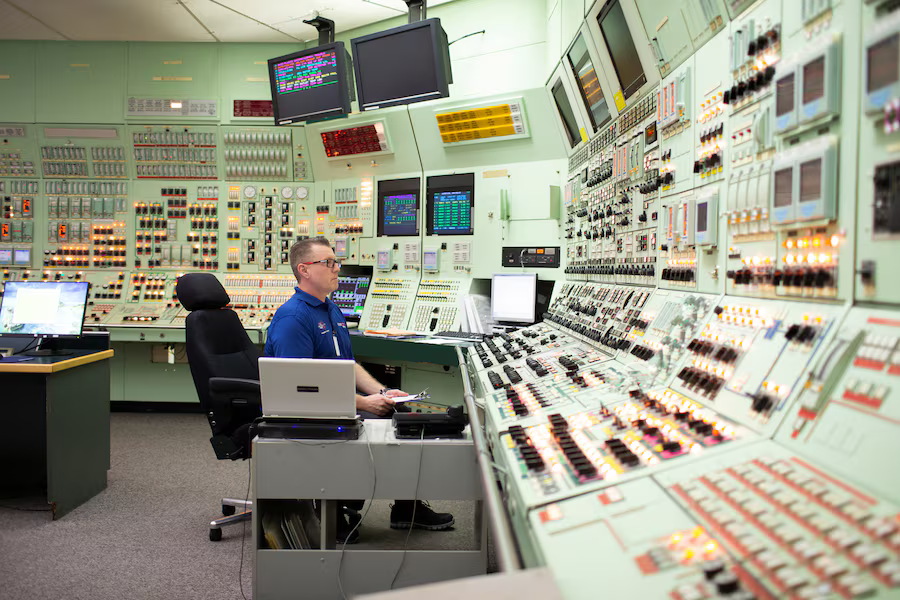
Main Control Room
(MCR)
Where operators monitor and control the facility.
Control panels, digital displays, alarm annunciators.
Valves + Motors
Many valves and motors must be pulled manually.
Alarm Systems
Auditory and visual alarms through the plant.
Generic nuclear power facility systems / Joy He, 2026
Overview
How do we redesign a facility that's been operating for 50+ years?
OPG recently began a $40+ billion, multi-decade refurbishment of their nuclear power stations to extend their operational lifespans. Refurbishment meant redesigning interfaces and systems that operators had spent entire careers working with and around.
Nuclear control rooms are among the most demanding interface environments in existence. Operators monitor and respond to hundreds of simultaneous signals across physical panels, digital displays, and alarm systems, with zero tolerance for error.
The facilities I worked on have been operating for decades, and many of their interfaces predated modern human-machine interface principles entirely. Refurbishment created a narrow window to close the gap between how these interfaces were designed and how operators actually use them.
User Research
How do operators currently use the system?
Before evaluating anything, I had to understand what operators were actually doing and why. I conducted interviews with operators directly: asking how they moved through tasks, what they paid attention to, where they felt uncertain, and what workarounds they'd developed over years of working with the same panels. These conversations were irreplaceable. Operators know things about how an interface is used in practice that no engineering drawing will ever capture.
"That indication is really difficult to see."
"We keep having to rush back and forth between field panels."
That field knowledge ran alongside official documentation and procedures. I traced how each interface connected to the broader control hierarchy; for example, which local panels mapped to which control room annunciations, or which controls triggered which system responses. Sometimes this meant working through hundreds of pages of engineering drawings. The documentation and the operator's lived experience rarely matched perfectly, and the gap between them was often exactly where the interesting problems were.
I built task analyses from this: step-by-step models of what an operator needs to perceive, decide, and act on in a given procedure, and evaluated how changes to the system were going to affect operator workflows and tasks; as well as where they could be improved.
Interface Evaluation and Design
How do you design for usability within what already exists?
I assessed interfaces against usability standards, checking information hierarchy, control grouping, label clarity, alarm legibility, consistency with operator mental models, and so on. Not every problem had a clean solution. Many constraints were non-negotiable, especially when integrating with existing equipment and facility layouts. The design question becomes: given what I can't change, what can I do?
[Added extension arm to indication for better visibility]
[Converted to pneumatic valves that can be triggered remotely]
Project details are confidential
Designing a new facility from the ground-up
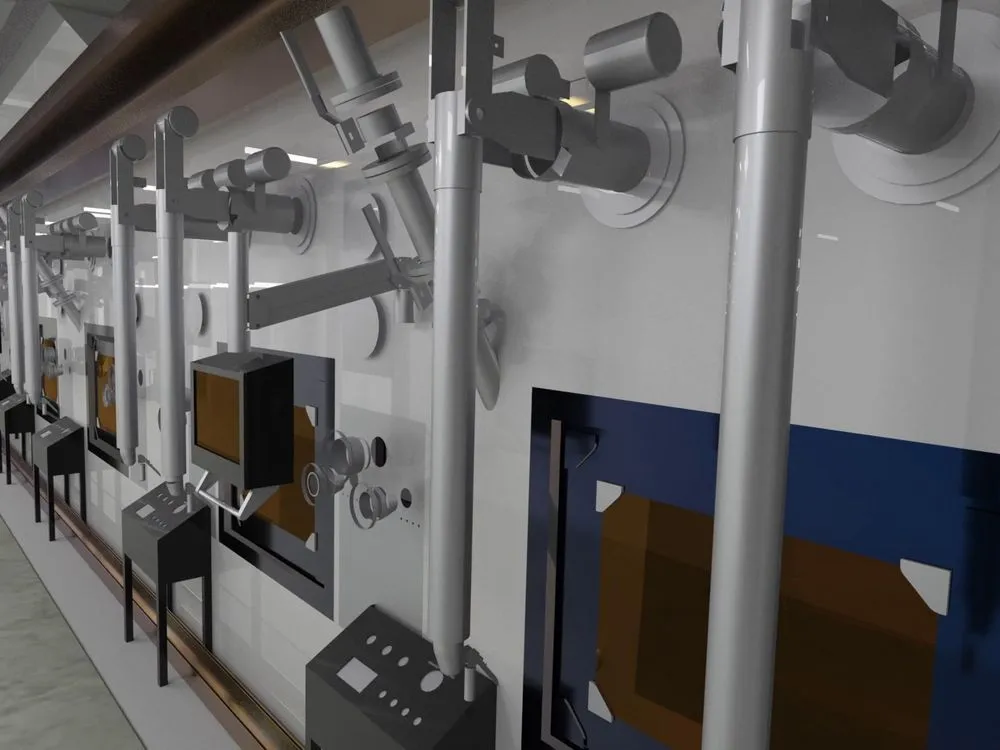
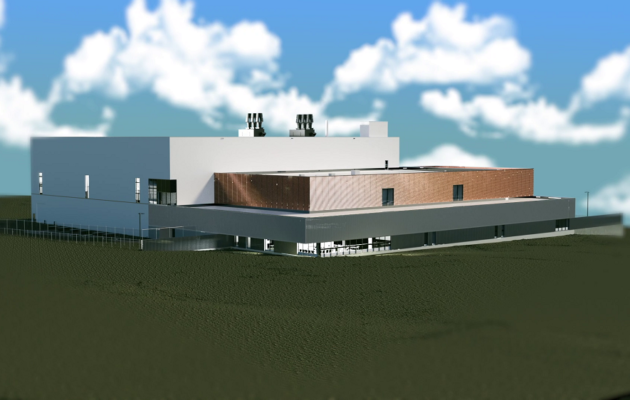
The ANMRC Nuclear Research Facility
Overview
How do we create a unified experience across multiple systems?
The ANMRC facility houses a range of technically distinct systems, each with its own underlying logic. The challenge wasn't designing any one interface — it was designing across all of them in a way that didn't fracture the operator's mental model mid-task.
For the hot cell environments, where operators manipulate nuclear material for research, I designed across physical and digital human-system/computer interfaces.
The integration question was central: when an operator moves from a physical control to a screen and back again, the experience needs to feel like one coherent system, not separate ones.
This meant establishing consistent interaction logic, display conventions, and control groupings that held across both modalities so that an operator's attention stayed on the task, not on reorienting to a new interface paradigm.
Beyond the hot cell interfaces, the project also involved human factors work on a number of automated systems across the facility: defining how operators would monitor, intervene in, and hand off control to automated processes.
Software User Interface
System #2
System #1
Hardware
Control Panels
Hardware
Control Panels
System #4
System #3
Hardware
Control Panels
Hardware
Control Panels




Generic human-system interface diagram / Joy He, 2026
Project details are confidential